⚡ VBWD
A sales platform for the digital world — SaaS subscriptions, CMS, shop, booking and a token economy on one self-hosted backend, two Vue front-ends and one plugin contract.
A SwiftUI plugin host
The iOS app is a thin host target (VBWD) over a
Swift Package Manager workspace: one SDK package,
VBWDCore, plus one Swift package per feature plugin.
Written in SwiftUI with Swift 6
strict concurrency, minimum iOS 16. It is the reference
implementation the Android port mirrors
contract-for-contract.
VBWDThe app target. Compiles in the plugin
instances, ships plugins.json + vbwd_config.json,
and boots AppRoot.
VBWDCoreNetworking, Keychain persistence, the auth session, the event bus, the plugin system and the shared SwiftUI screens (login, dashboard, profile, settings, checkout).
vbwd-ios-plugin-*One SPM package each; they depend on
VBWDCore only and reach the app exclusively through
the PlatformSDK facade.
One protocol, four lifecycle hooks, one facade
Every plugin is a final class: Plugin with metadata
(name, semantic version, dependencies). During boot the host calls
the lifecycle hooks in dependency order — a failing plugin is
isolated and never blocks the shell:
install(_ sdk: PlatformSDK)   // register routes, components, stores, menu items
activate()                    // become live
deactivate() / uninstall()    // tear down cleanly
install receives the PlatformSDK
facade — the single seam through which a plugin extends the app:
sdk.addRoute(path:name:requiresAuth:permission:view:)— a screen, optionally auth/permission-gated.sdk.addMenuItem(...)— a side-menu entry, ordered.sdk.addComponent(name, view:)—Dashboard*→ dashboard widget,Profile*→ profile section.sdk.createStore(id, ...)·sdk.addTranslations(locale, ...)·sdk.events— plugin state, i18n, decoupled bus.sdk.addPaymentAction(code, handler)·sdk.cart·sdk.checkoutSources— native checkout.sdk.api— the authenticatedAPIClient; plugins never touchURLSessiondirectly.
One config file, Keychain-backed sessions
The app reads vbwd_config.json from the bundle —
point api_base_url at your instance
(http://localhost:5000/api/v1 for a local backend, or
https://vbwd.cc/api/v1 for the live demo). Login
POST /auth/login returns a bearer token that is stored
in the iOS Keychain (KeychainTokenStore);
AuthSession exposes the authenticated state, the token
is auto-attached to every request, and a 401 signs the
user out and re-routes to login.
Route-based navigation, three built-in themes
Navigation is route-driven through a hamburger side-menu plus
dashboard cards (no bottom tab bar). Core routes cover the
dashboard, profile, settings, tokens and invoices; plugins add
their own (/meinchat, /shop,
/subscription, /tarot, /posts).
Three themes ship in the box — Classic
(system-adaptive), Dark Blue and
Dark Green — switched in Settings and persisted;
plugins can register their own.
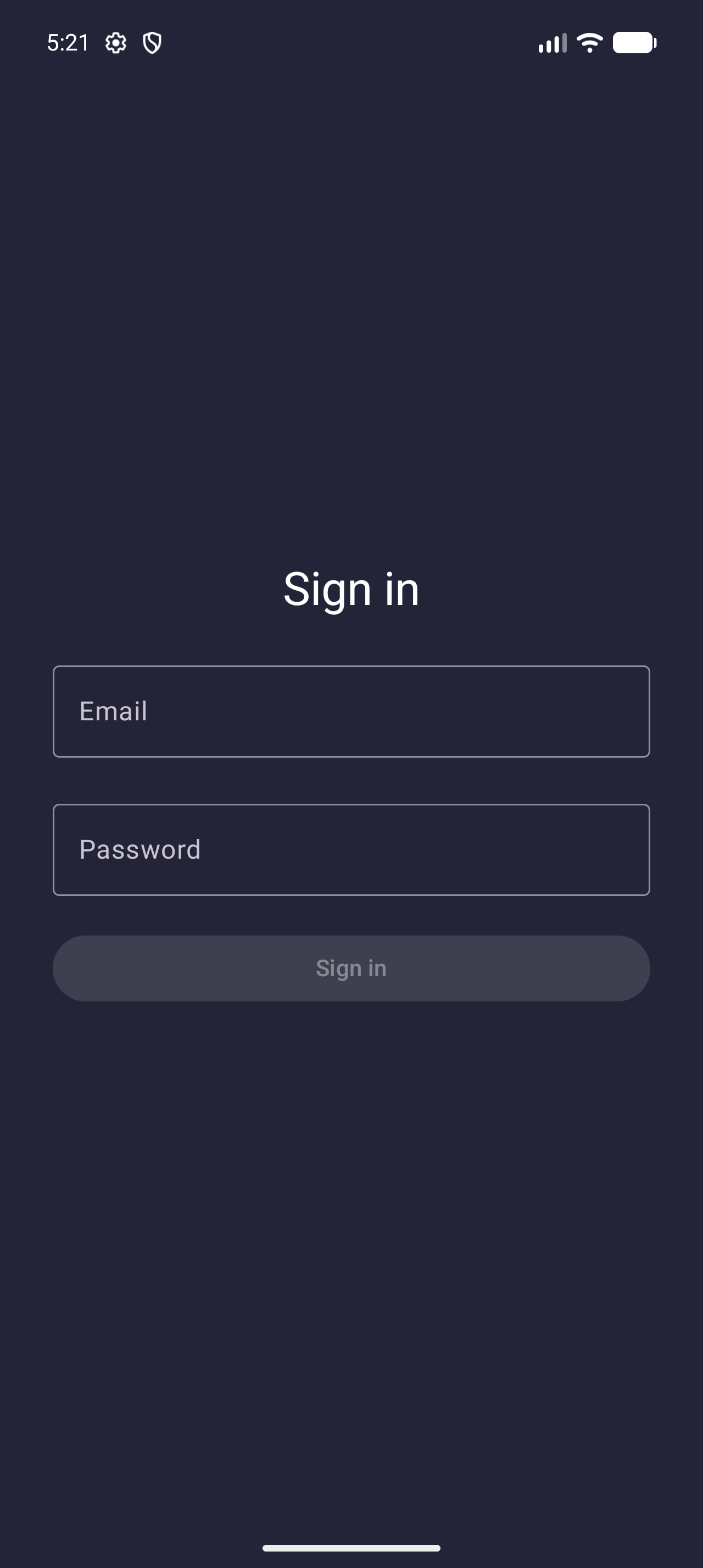
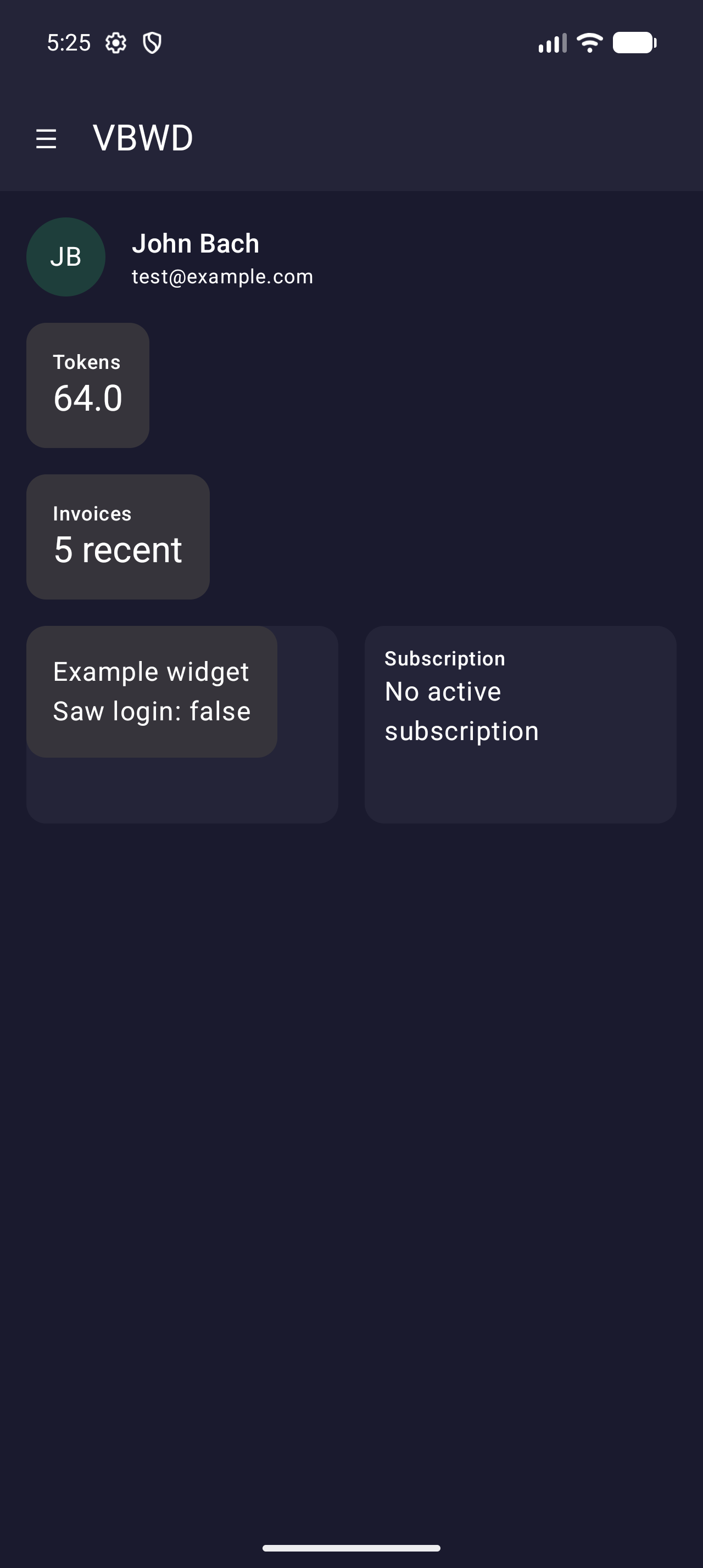
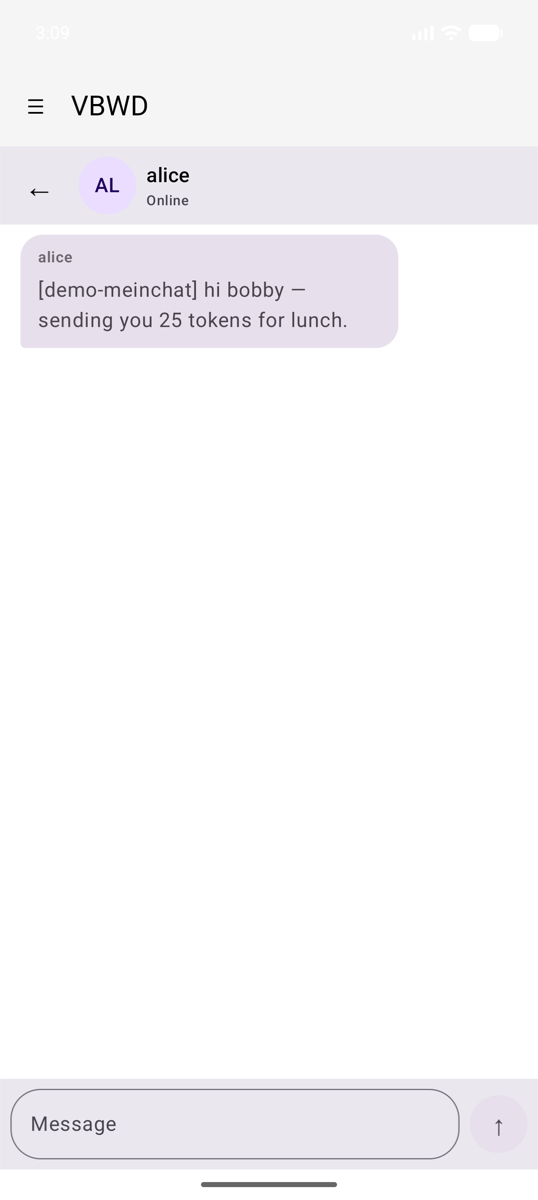
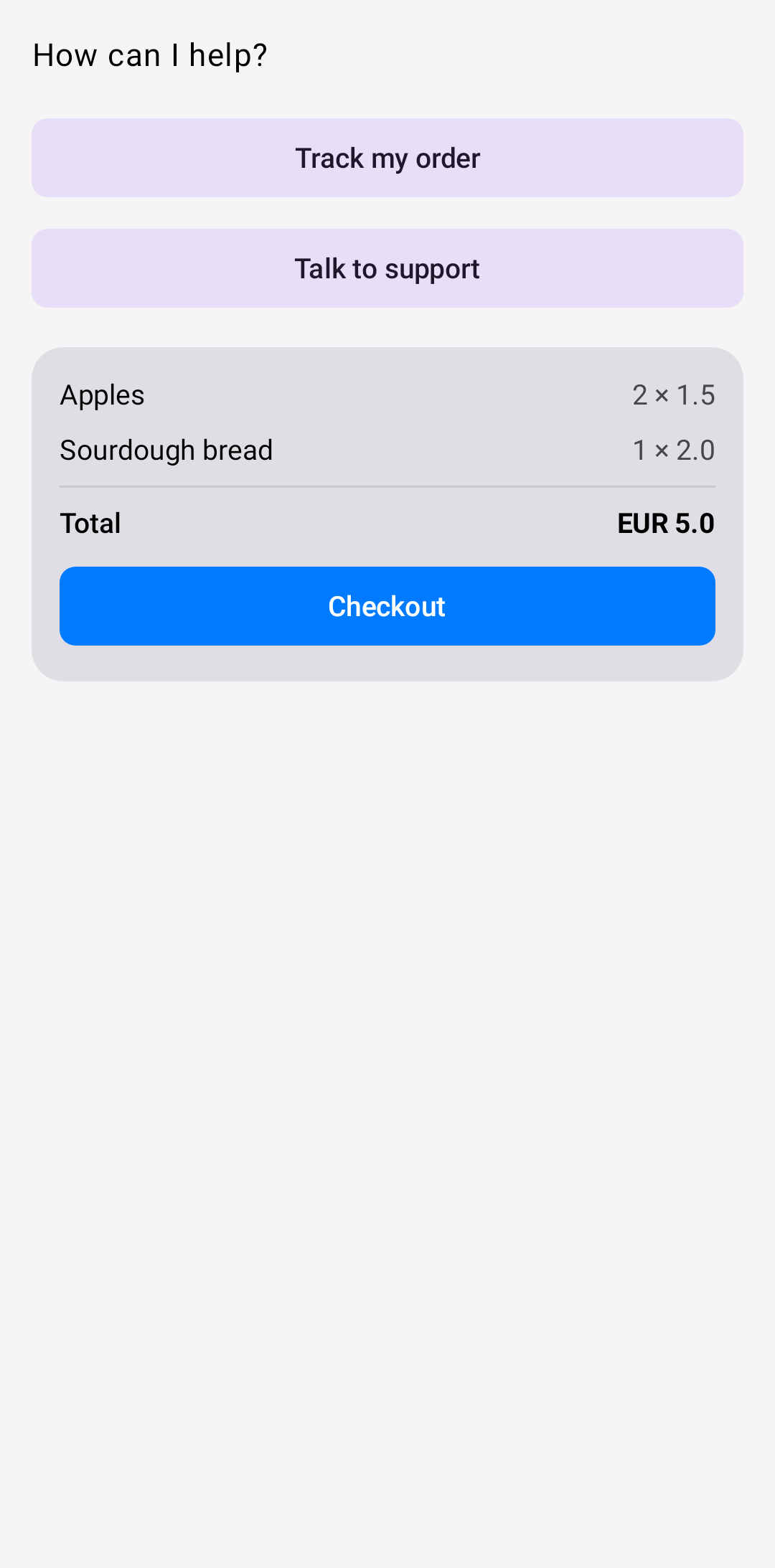
The VBWD mobile app. iOS (SwiftUI) and Android (Compose) render the same screens from the same SDK; gallery captured from the Android build.
What's in the workspace
meinchatMessaging — inbox, conversations and bot rooms; image attachments and peer-to-peer token transfers.
meinchat-plusEnd-to-end encryption (Signal-style) layered on meinchat; device pairing + prekeys.
cmsPosts/articles via a WebView embed; configurable category + post type, auth token injected.
shopFully native storefront — browse, filter, search, cart, checkout, with a cart-count badge.
subscriptionTarif plans, subscription management, add-on catalogue; dashboard widget + 3 menu items.
stripeStripe Checkout payment method — create session, redirect, poll for completion.
token-paymentPay with token balance — instant debit, shows a live quote (balance after).
invoiceBank-transfer “invoice” payment method — informational confirmation UI.
tarotTarot reading with AI interpretation; a menu item and a /tarot screen.
exampleReference plugin exercising every SDK seam — the template for a new plugin.
Open, point, run
- Open
vbwd-ios/VBWD/VBWD.xcodeprojin Xcode (schemeVBWD, bundlecom.dantweb.vbwddemo). - Set
api_base_urlinVBWD/vbwd_config.jsonto your backend. - Run on a simulator (⌘R). Sign in with the demo credentials and the plugin-driven shell boots.
The iOS app is the canonical port; see the Android guide for the Kotlin/Compose translation of the same contract, or the plugin system for the web side.