CMS
Pages, posts, categories, widgets, layouts and a media gallery — the content engine the rest of the platform renders through.
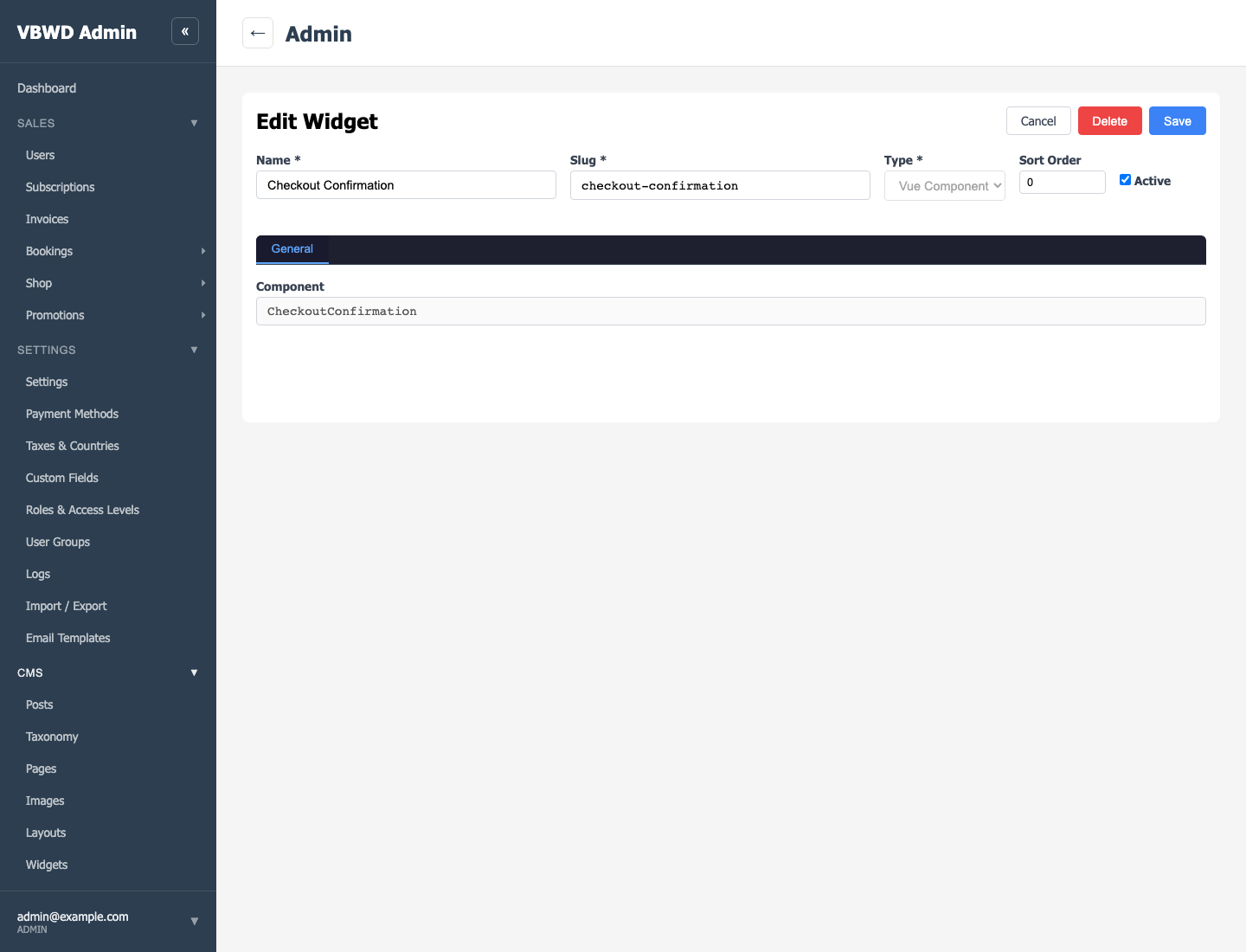
What it provides
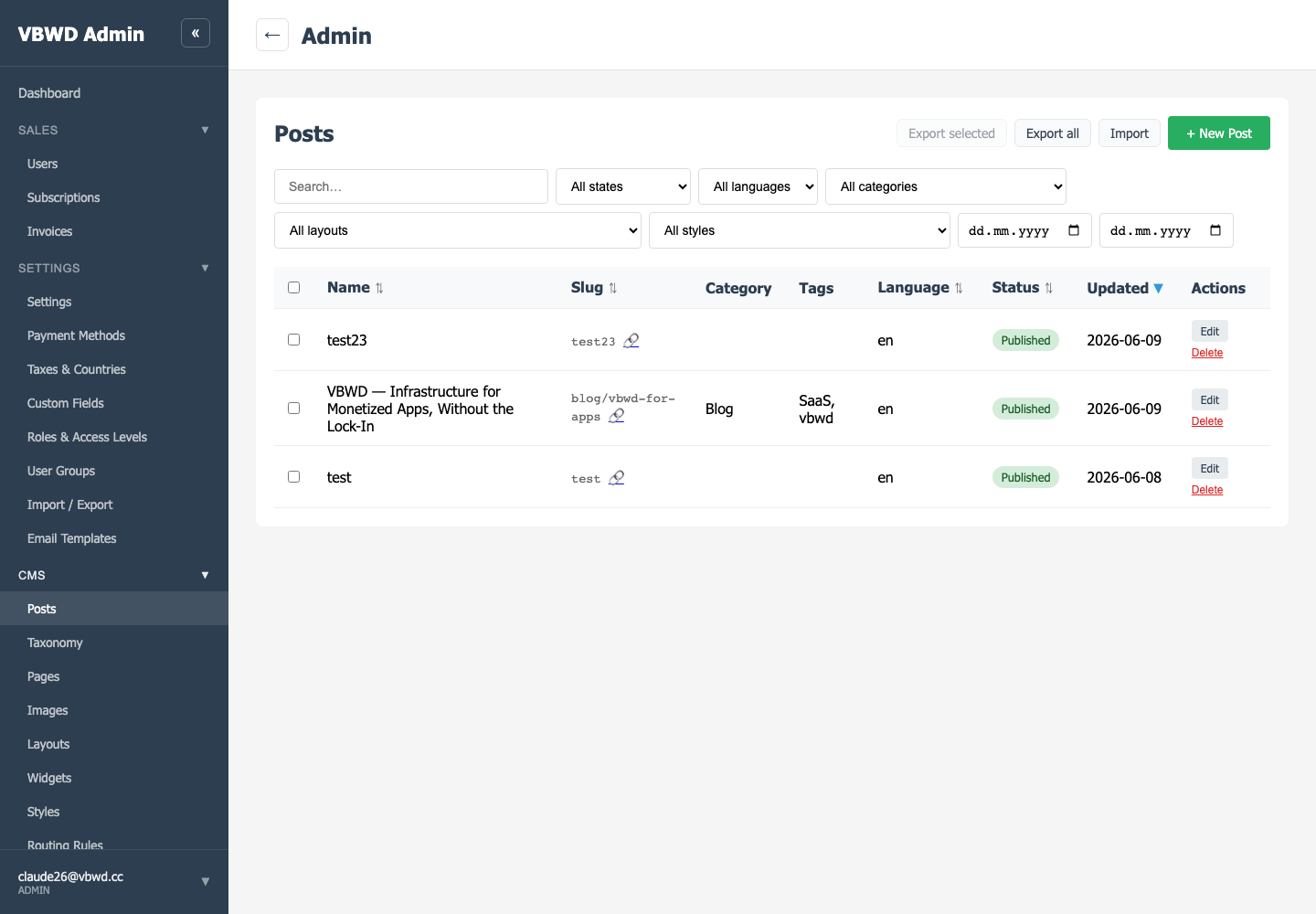
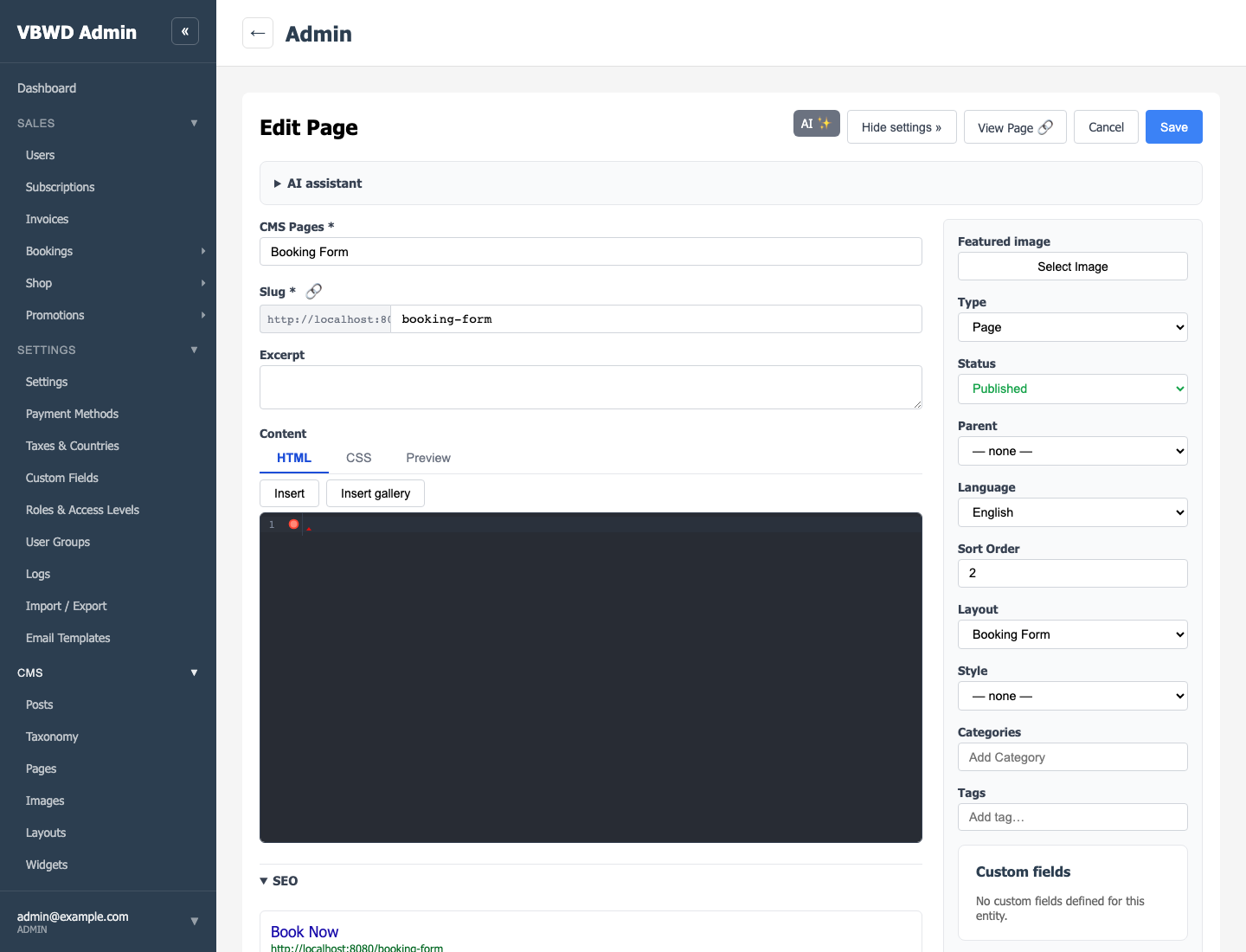
The CMS plugin owns cms_post (pages and posts under one model, discriminated by type), a unified cms_term taxonomy (categories), widgets, layouts, styles and a managed image gallery. Public content renders at /<slug>; admin CRUD lives under /api/v1/admin/cms/*.
Pages, layouts & widgets
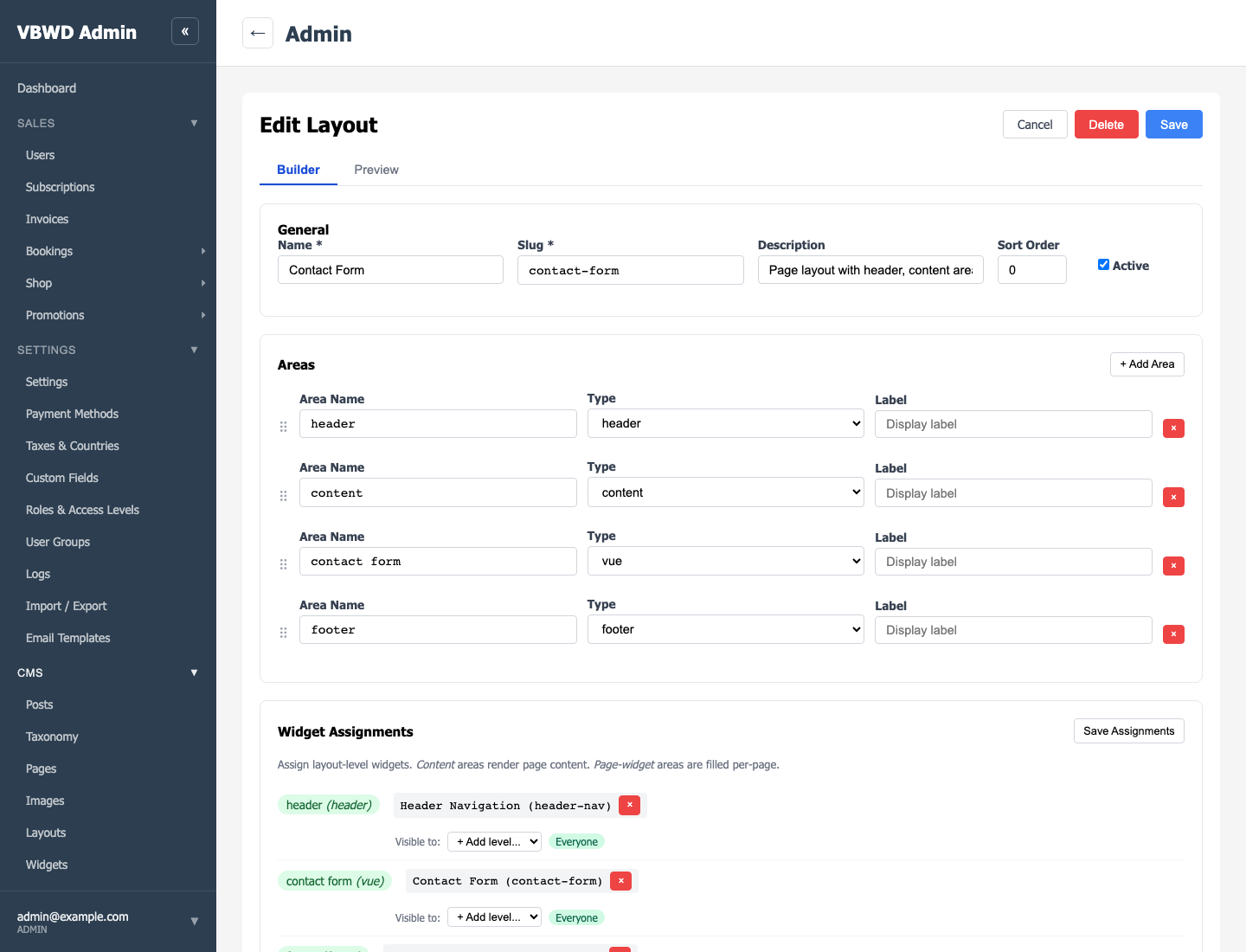
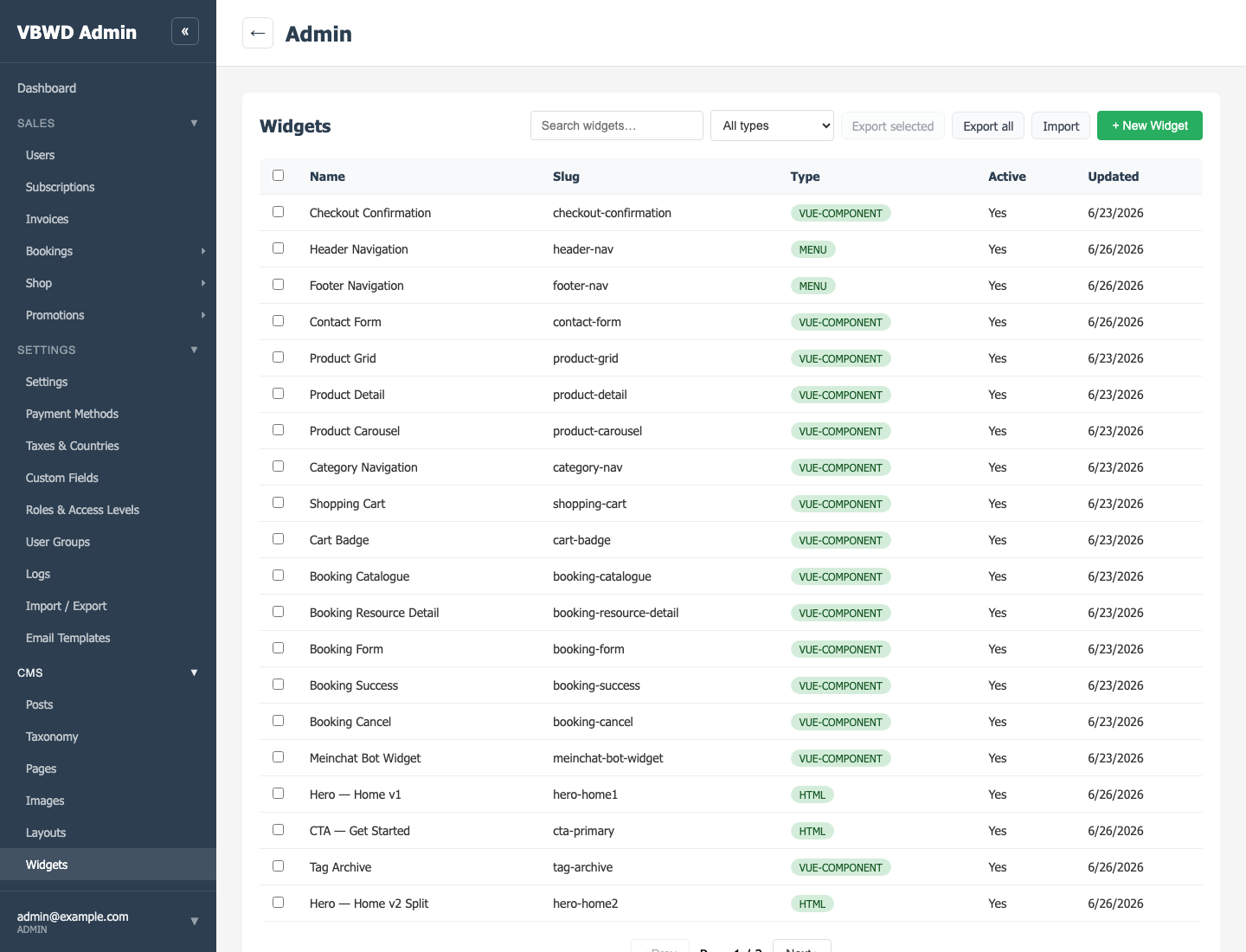
A page can reference a layout whose areas are filled by widgets (HTML, custom code, menus, or registered Vue components). A widget is only visible if (1) the frontend registers the Vue component, (2) fe-admin ships an editor descriptor, and (3) a widget record is seeded. Global widgets need is_global plus a body mount.
Extensibility
Other plugins register new page types via registerCmsPageType(slug, component), and contribute public content filters (e.g. the paywall) through the CMS public content-filter registry — the CMS stays agnostic of them. This very documentation portal is CMS content imported through the standard cms_terms + cms_post exchange.
SEO
Every page the CMS publishes is search-ready: per-post meta fields, crawler prerendering, an automatic sitemap.xml and robots.txt, and Open Graph / JSON-LD structured data. See the dedicated SEO — Search, Sitemap & Social guide.
Geo-Blocking
The CMS can restrict the public site to an allow-list of countries, redirecting everyone else to a /locked page while a private bypass link keeps you in — all configured from CMS → Routing Rules → Blocked countries, and always fail-open. See the dedicated Geo-Blocking — country access control guide.