SEO — Search, Sitemap & Social
How the CMS makes every page search-ready: per-post meta fields, crawler prerendering, an automatic sitemap.xml and robots.txt, and Open Graph / JSON-LD structured data.
Search-ready out of the box
Every page and post the CMS publishes is SEO-complete the moment it goes live — no plugin, no theme tweak. Each one ships:
- Full
<head>metadata — title, description, canonical, robots, Open Graph, Twitter cards and JSON-LD. - A static prerender for crawlers — search bots get fully-rendered HTML, humans get the live SPA.
- Automatic
sitemap.xmlandrobots.txt— generated from the live content, tunable from the admin.
Per-page SEO fields
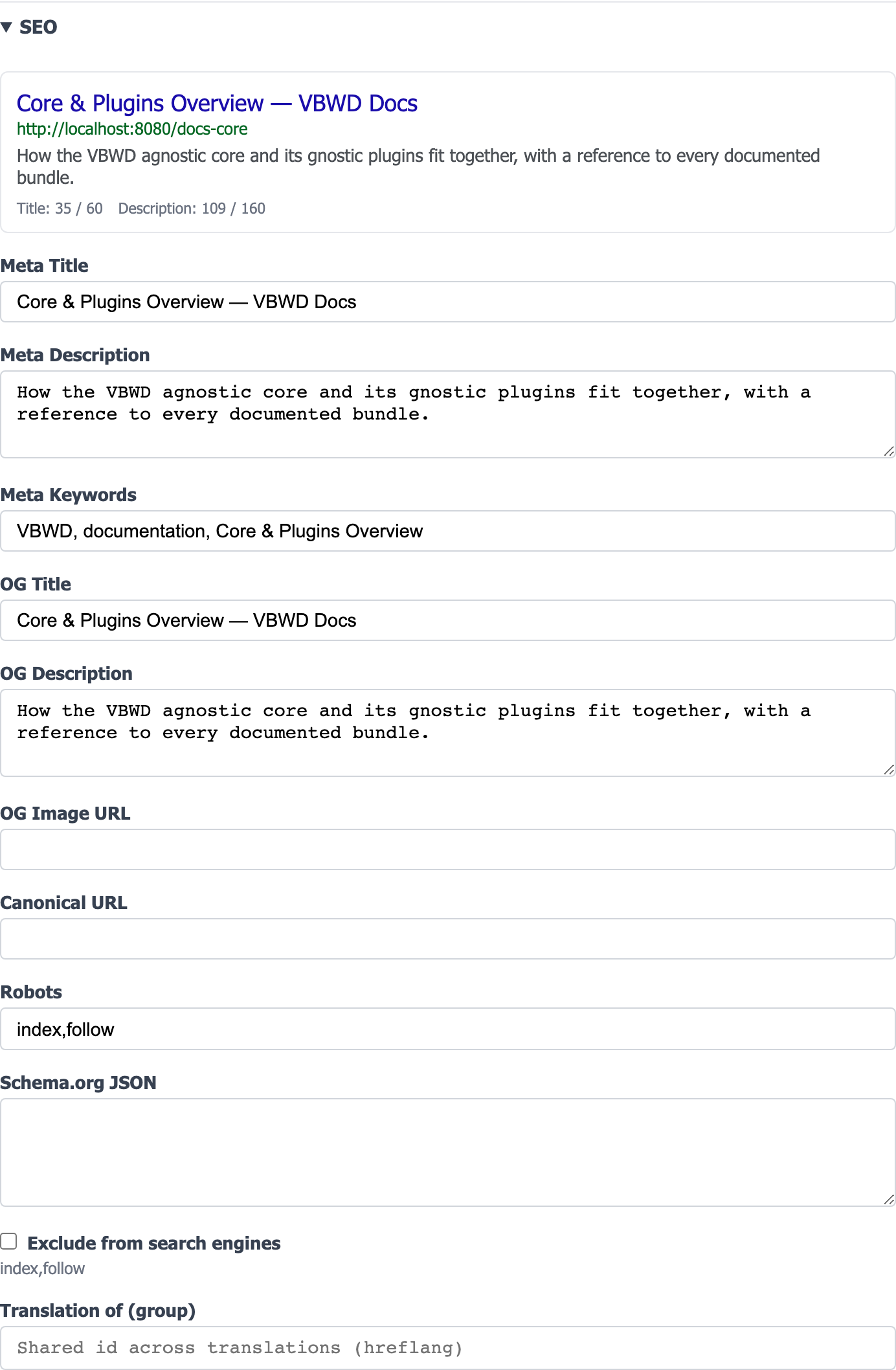
Each cms_post carries its own SEO metadata, edited in the page/post editor's SEO panel with a live search-result (SERP) preview and character-budget hints (title ≤ 60, description ≤ 160):
| Field | Purpose |
|---|---|
meta_title | The <title> and SERP headline (falls back to the post title). |
meta_description | The search-snippet description. |
meta_keywords | Legacy keywords tag (emitted; ignored by modern engines). |
og_title / og_description / og_image_url | Open Graph fields for social share previews (title/description fall back to the meta pair). |
canonical_url | Canonical URL; defaults to {public_base_url}/{slug}. |
robots | The robots meta directive; default index,follow. |
schema_json | Custom JSON-LD that overrides the auto-generated schema. |
seo_excluded | “Exclude from search engines” — flips the page to noindex and drops it from the sitemap. |
How search engines see your pages — prerendering
The public storefront is a Vue SPA, which a naive crawler would see as an empty shell. The CMS solves this with a prerender layer: when a post is published (or its content changes), a static ${VBWD_VAR_DIR}/seo/<slug>.html file is written with the post's content and a fully-built <head>. The front nginx then splits traffic by user-agent:
- Crawlers (Googlebot, bingbot, …) are served the static prerender — complete HTML, no JavaScript required.
- Humans get the live SPA, which re-syncs the same meta tags on the client (keyed by
data-seo="ssr") so navigation stays correct.
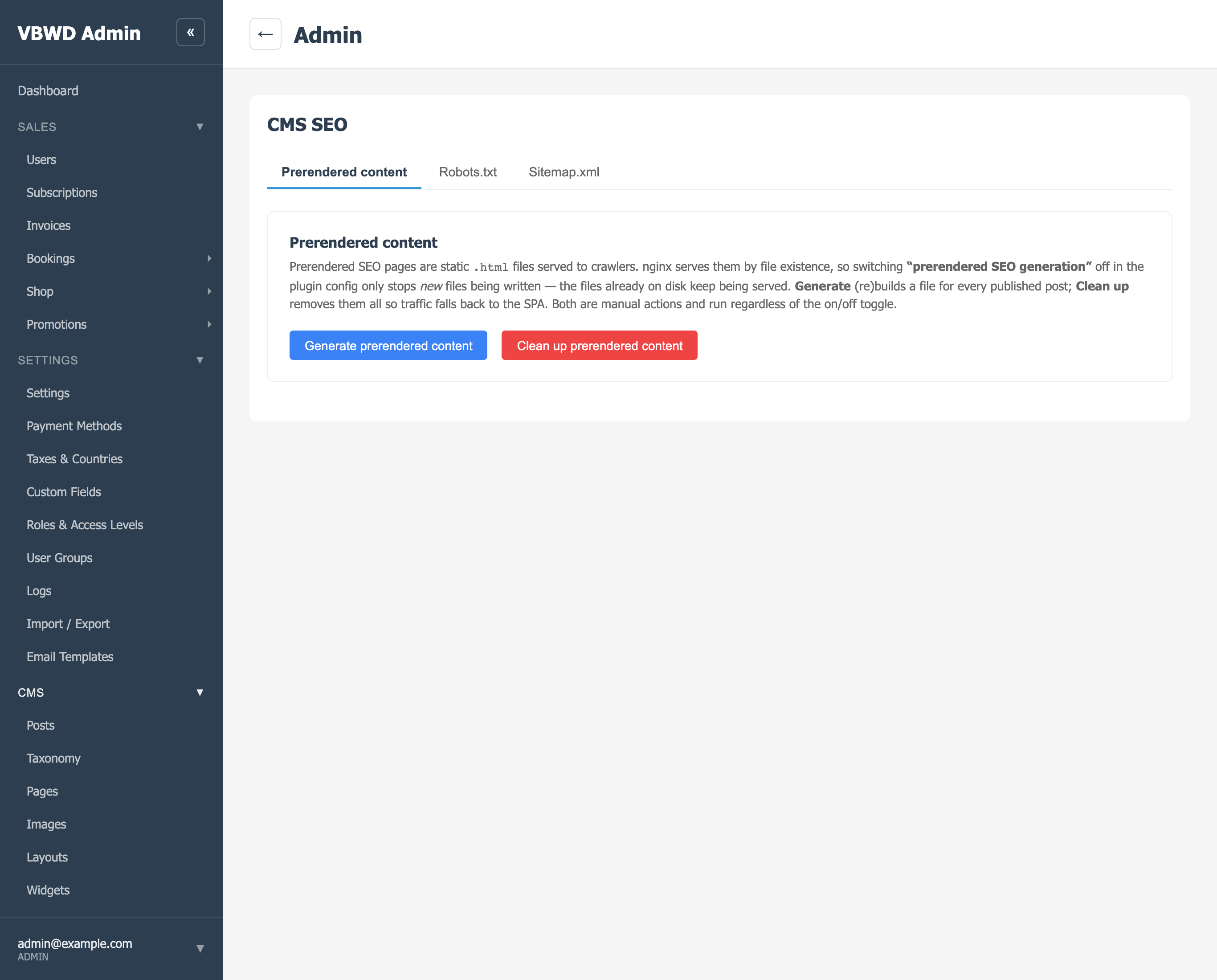
The head builder injects the title, description, robots, canonical, Open Graph, Twitter-card and JSON-LD tags from the fields above. Prerenders refresh automatically on publish; an admin can also rebuild them all at once — the Prerendered content tab's Generate button calls POST /api/v1/admin/cms/seo/regenerate:
sitemap.xml
A standards-compliant sitemap is generated live at /sitemap.xml — no build step, no stale file. It lists only published, search-visible posts; anything with seo_excluded, a noindex robots value, or an excluded category is left out. Each entry carries <loc> (the canonical URL), <lastmod> (the post's updated_at), changefreq and priority, plus hreflang alternates for translations. Above 50,000 URLs it automatically becomes a sitemap index over /sitemap-<n>.xml chunks.
<url>
  <loc>https://vbwd.cc/docs-core-cms/seo</loc>
  <lastmod>2026-06-28T18:25:20</lastmod>
  <changefreq>weekly</changefreq>
  <priority>0.5</priority>
</url>
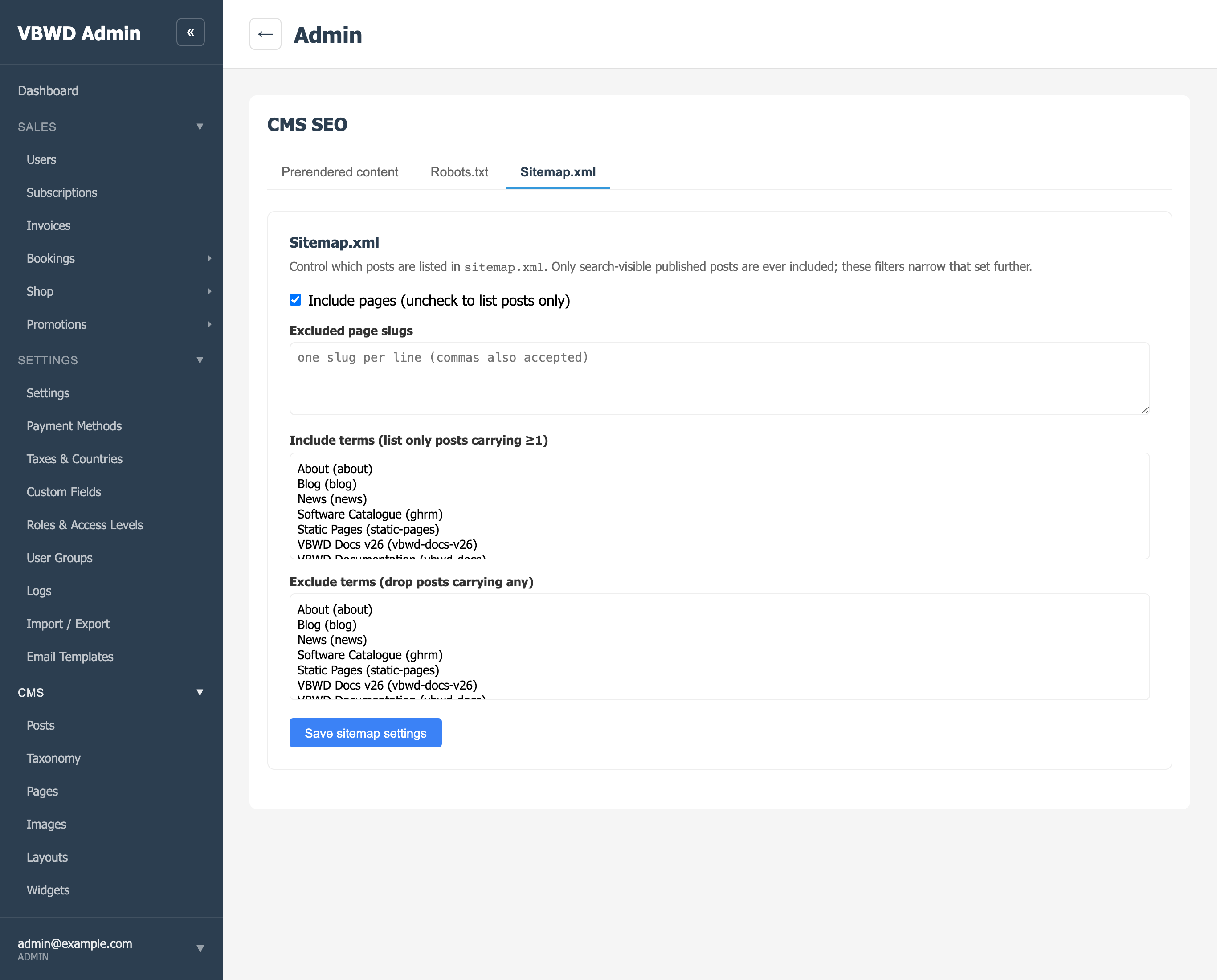
Which posts appear is tunable from the admin without touching code — include or drop pages, exclude specific slugs, or scope the sitemap to posts carrying (or not carrying) given categories:
robots.txt
/robots.txt is served dynamically too. The default keeps crawlers out of the app surfaces and points them at the sitemap:
User-agent: *
Disallow: /dashboard
Disallow: /api
Disallow: /admin

Sitemap: https://vbwd.cc/sitemap.xml
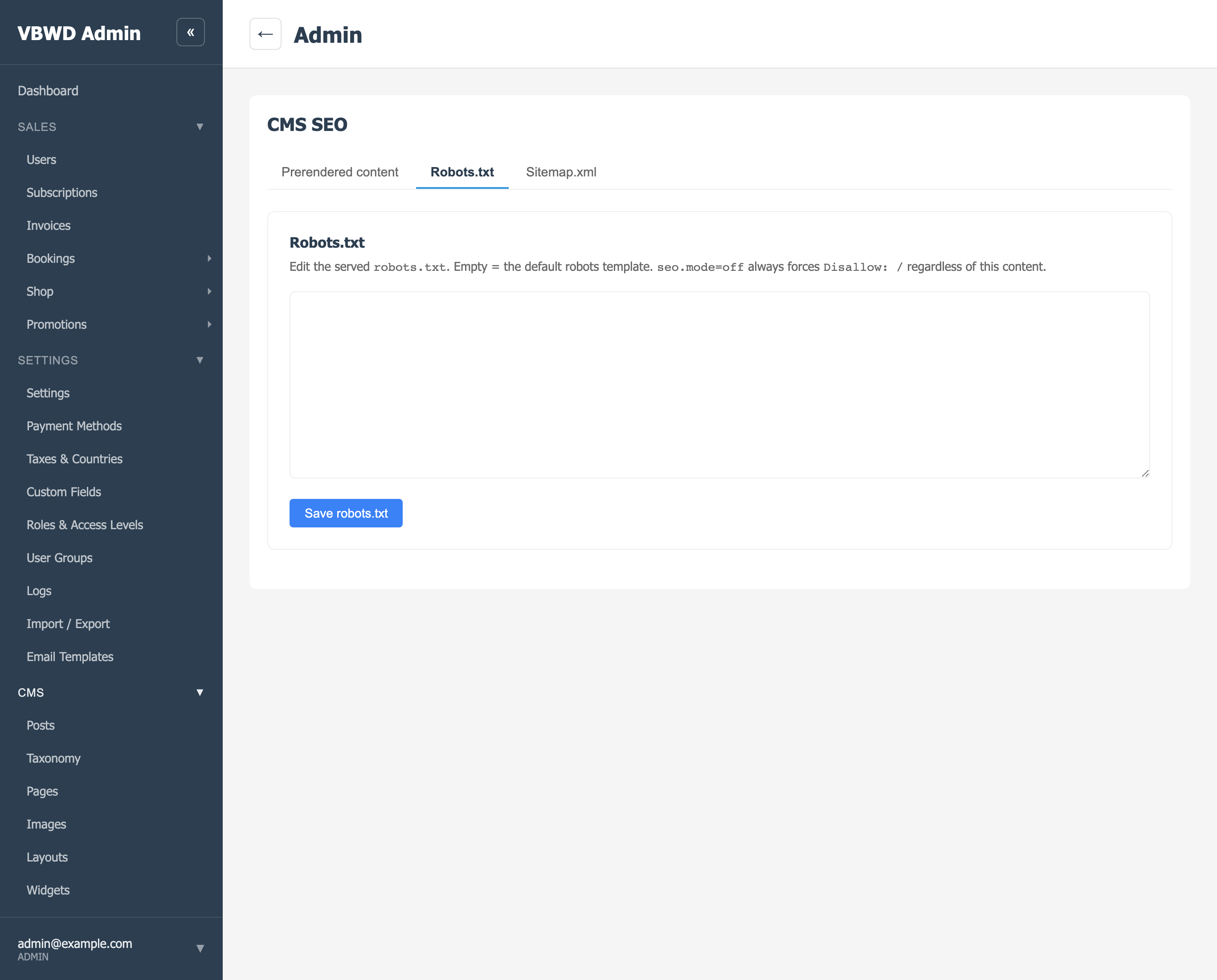
The body is fully overridable from the Robots.txt admin tab (an empty box means “use the default template”). A site-wide kill switch, seo.mode = off, forces Disallow: / regardless of the custom text — handy for staging instances that must never be indexed.
Structured data & social cards
Beyond the basic tags, the head builder emits:
- Open Graph + Twitter cards —
og:title/description/imageand asummary_large_imageTwitter card, so links unfurl with a title, blurb and image on social platforms and chat apps. - JSON-LD — a schema.org
WebPage(orArticle) block is generated automatically; supplyingschema_jsonon the post overrides it with your own structured data. - hreflang — translated posts that share a translation group cross-link with
rel="alternate"hreflangtags plusx-default.
In short
Write a page, fill the SEO panel (or accept the sensible defaults), publish. The platform then: prerenders it for crawlers, lists it in sitemap.xml, respects it in robots.txt, and emits complete Open Graph, Twitter and JSON-LD metadata — with per-post overrides whenever you need them. See the CMS plugin reference for the content model these SEO fields hang off.