Marketplace — fe-user plugin
The vendor's private area — become a vendor, manage listings and categories across verticals, and watch sales and earnings, all against the live backend.
The vendor\'s private area
The fe-user marketplace plugin is the vendor\'s home. It contributes a collapsible “Vendor” navigation block to the user portal — My listings, My categories, My sales, My earnings — and every screen makes real calls to the live backend vendor endpoints (no mock data). The area deliberately reuses the admin back-office visual language: card-list pages with sortable columns, quick-search and settings-style edit forms.
Become a vendor
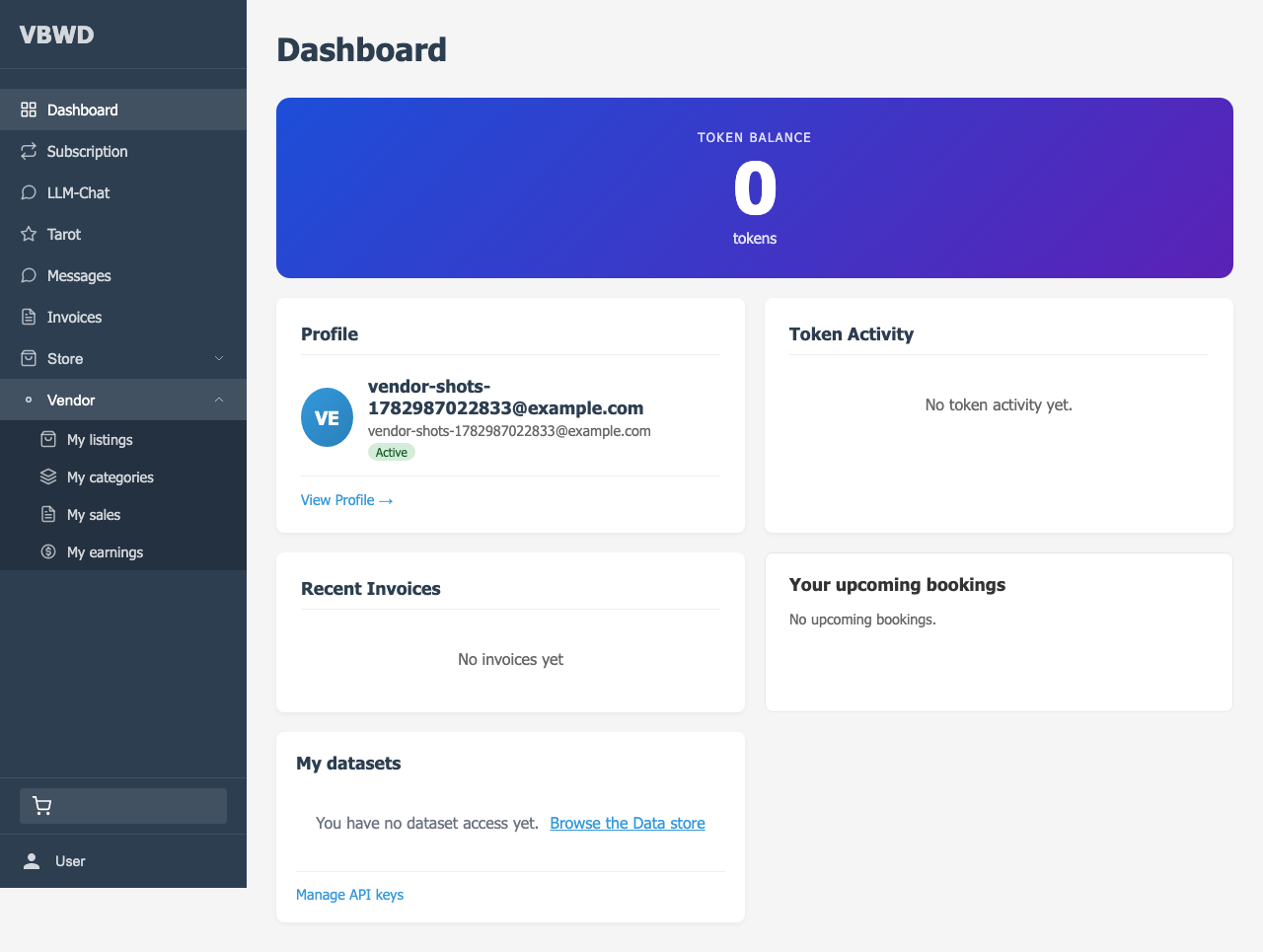
A user who is not yet a vendor sees onboarding on the My listings page: one form (display_name) that posts to /marketplace/become-vendor. Depending on the operator\'s config the application lands pending (awaiting approval) or active immediately.
One listings table for every vertical
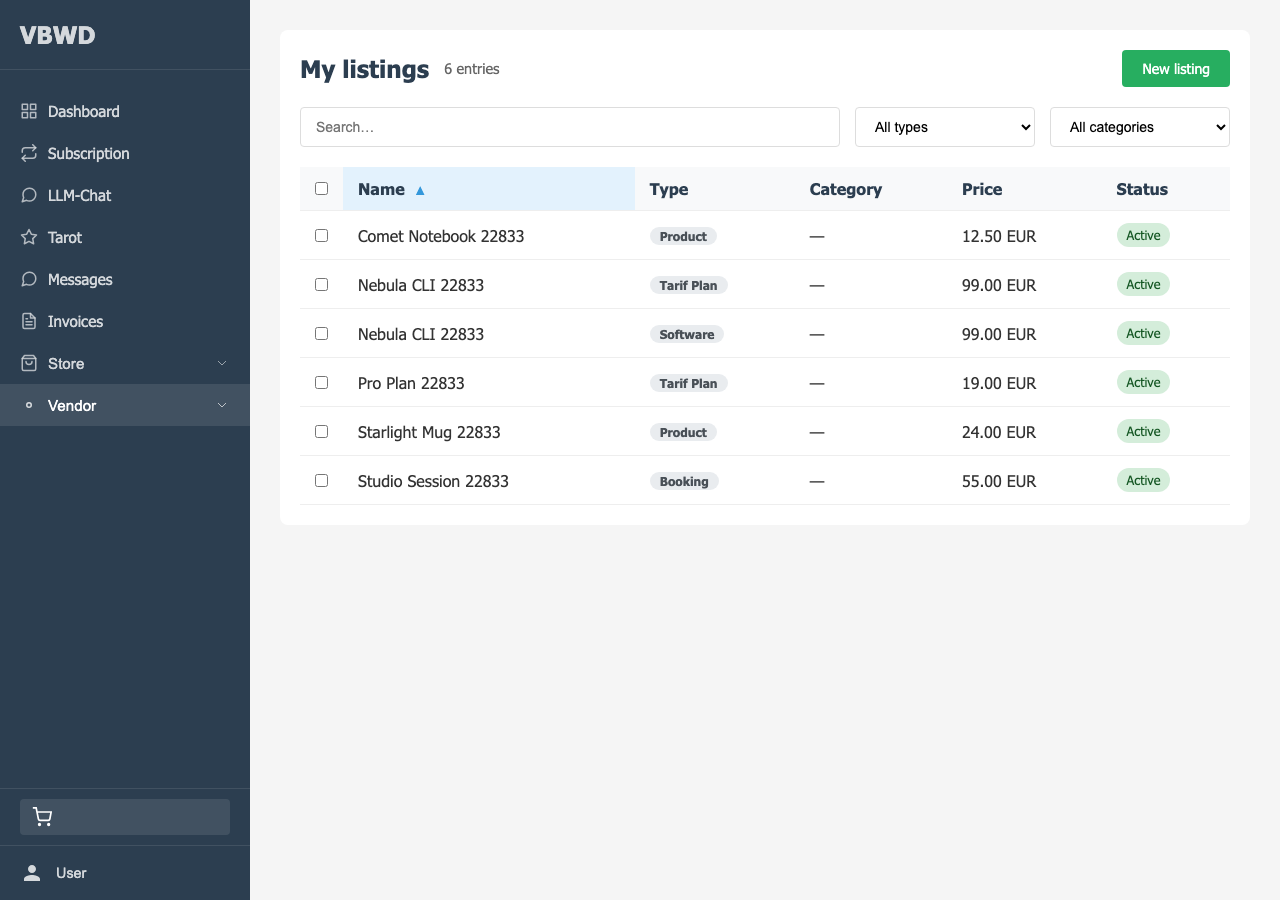
The store fetches GET /marketplace/listing-types to learn which verticals are sellable on this install, then aggregates the four vertical collections client-side into a single normalised My listings table. A vertical whose vendor-mode is off is simply skipped — a partial marketplace still renders.
Capability-driven editors
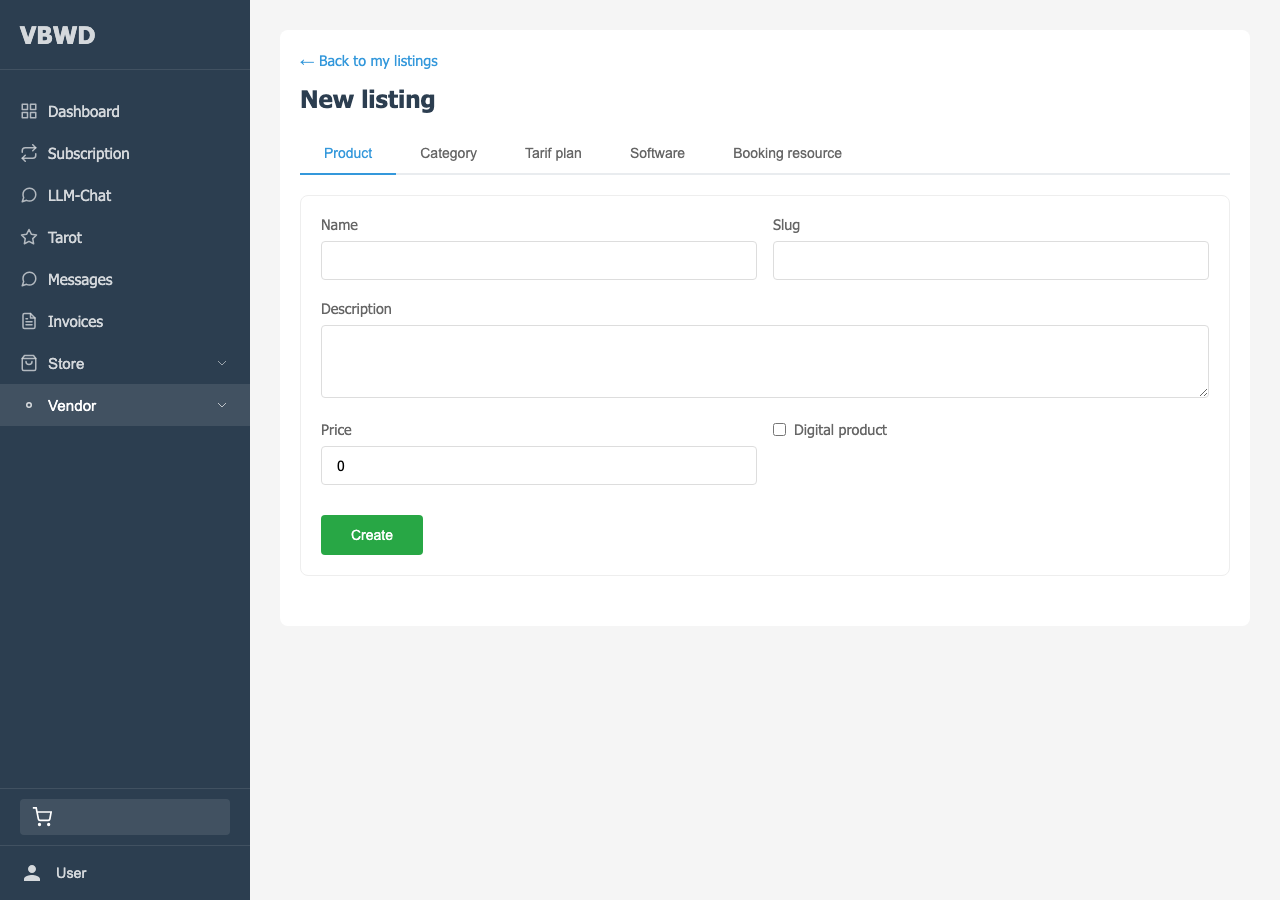
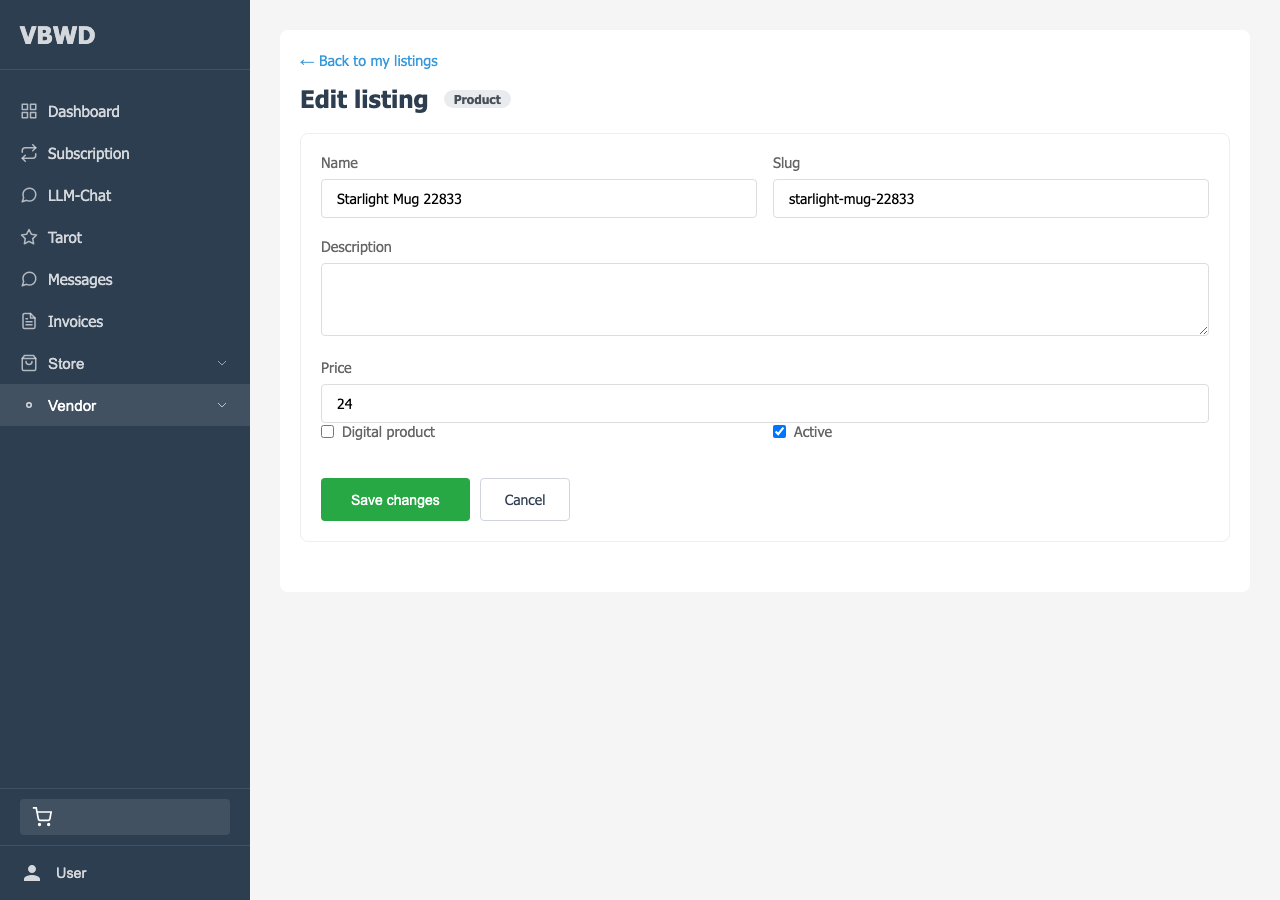
The edit screen renders per-entity editors according to each listing type\'s capabilities — stock, images, tags, custom fields — backed by generic <api_base>/<id>/* endpoints. Because the editors are keyed off capabilities and driven off the listing type\'s api_base, the app needs no per-vertical code: a new sellable vertical works the moment it appears in the backend catalog.
Categories, sales & earnings
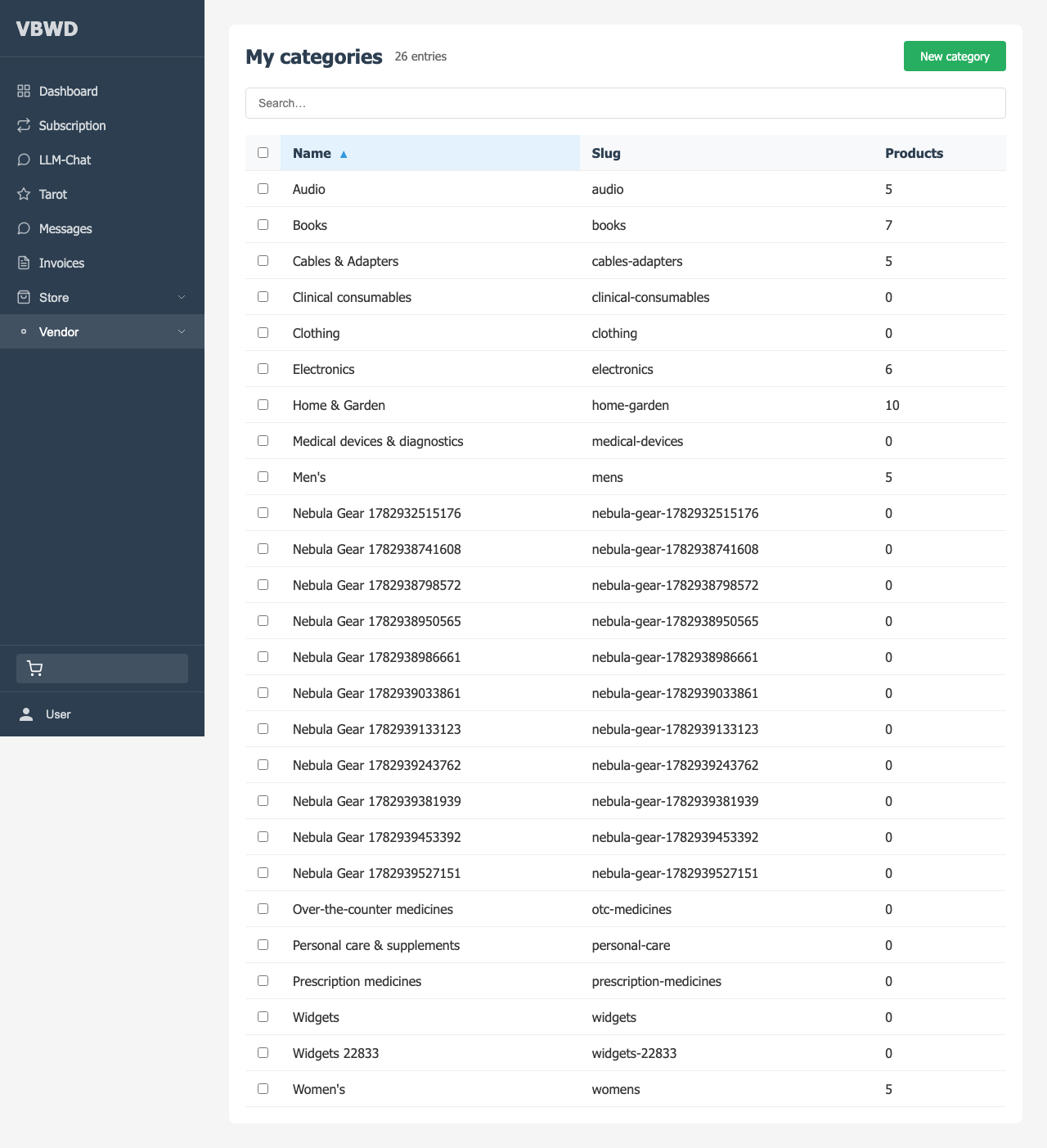
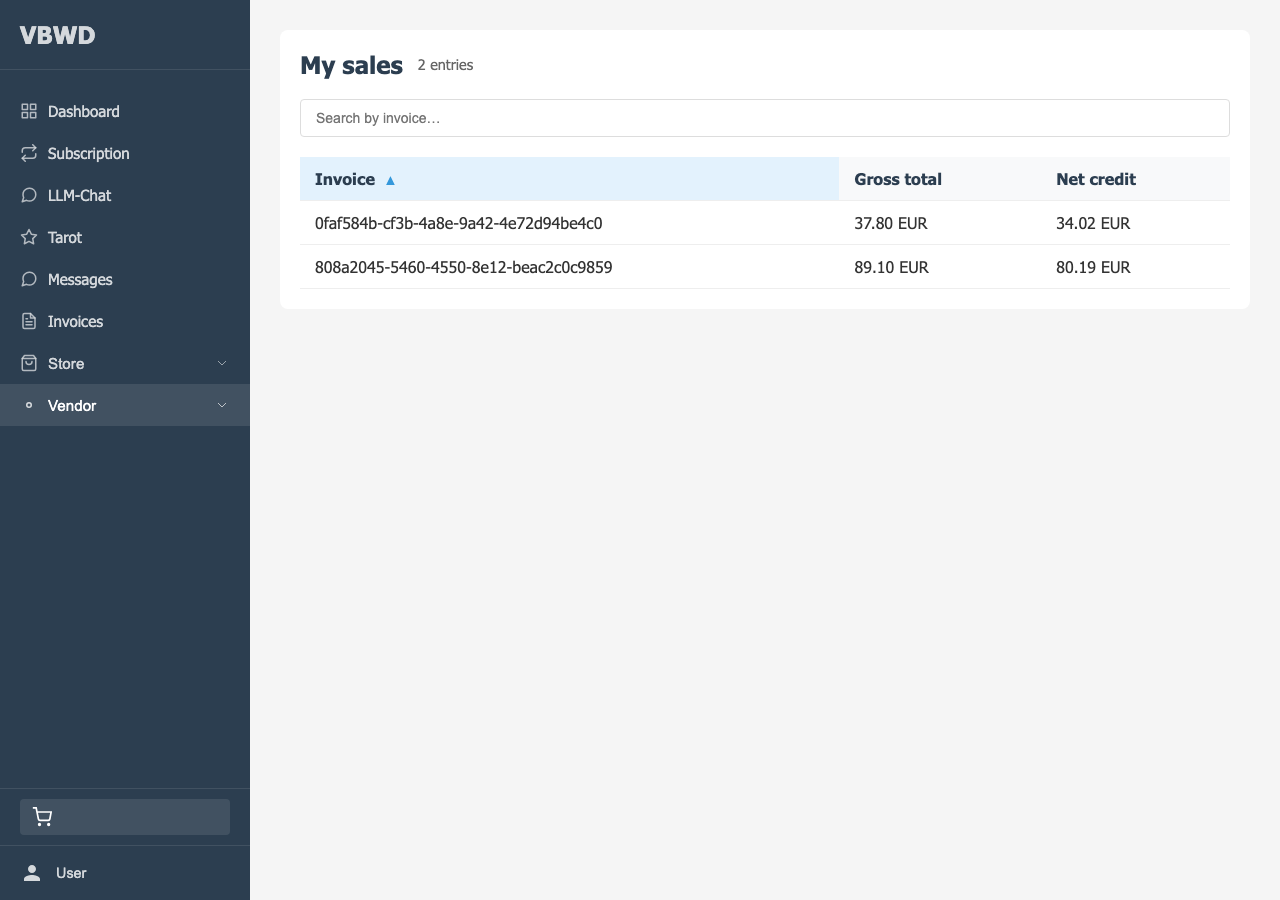
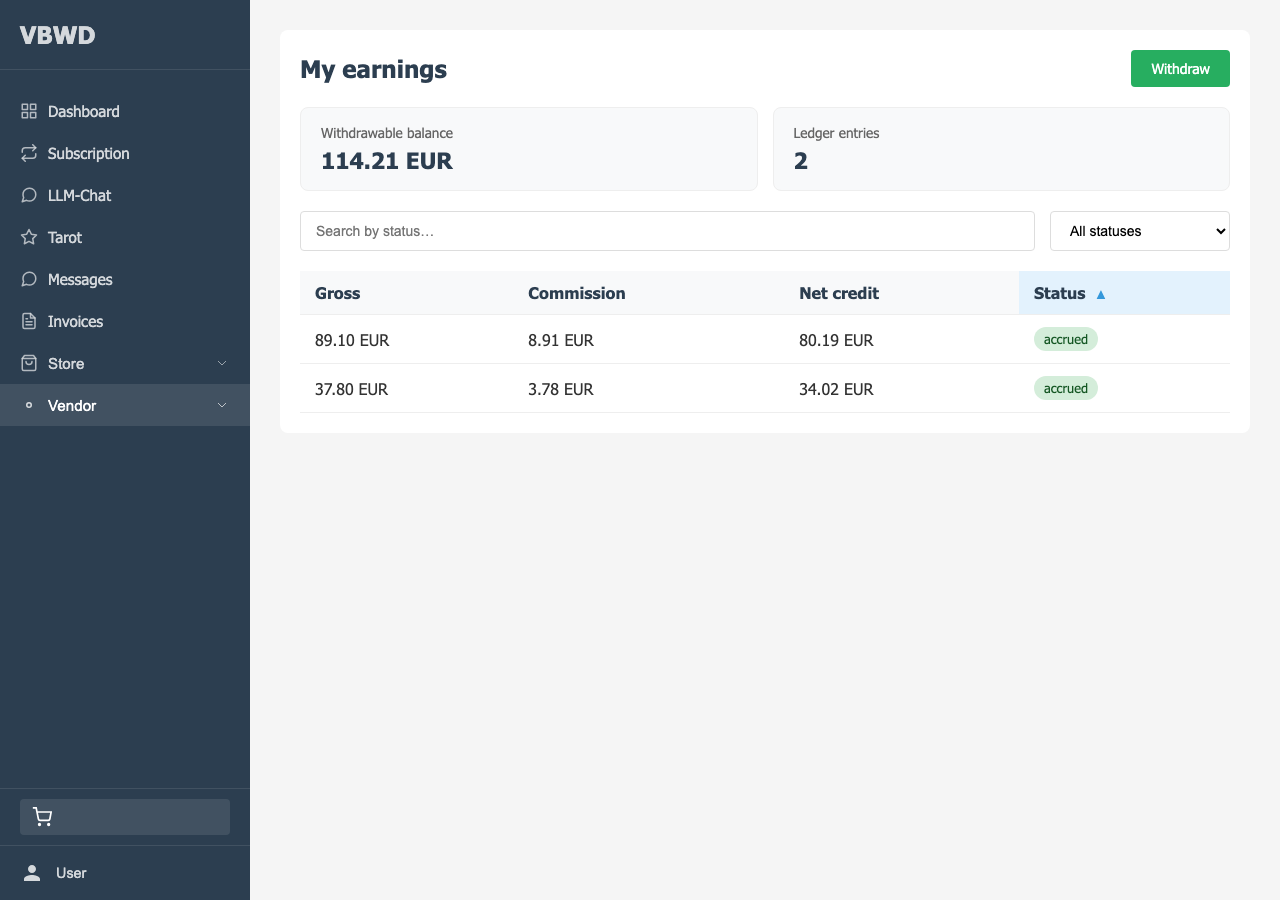
Vendors organise listings with categories, and track results in two read views: My sales (paid invoices grouped per invoice, own lines only) and My earnings (the ledger plus the live withdrawable balance).
Cashing out
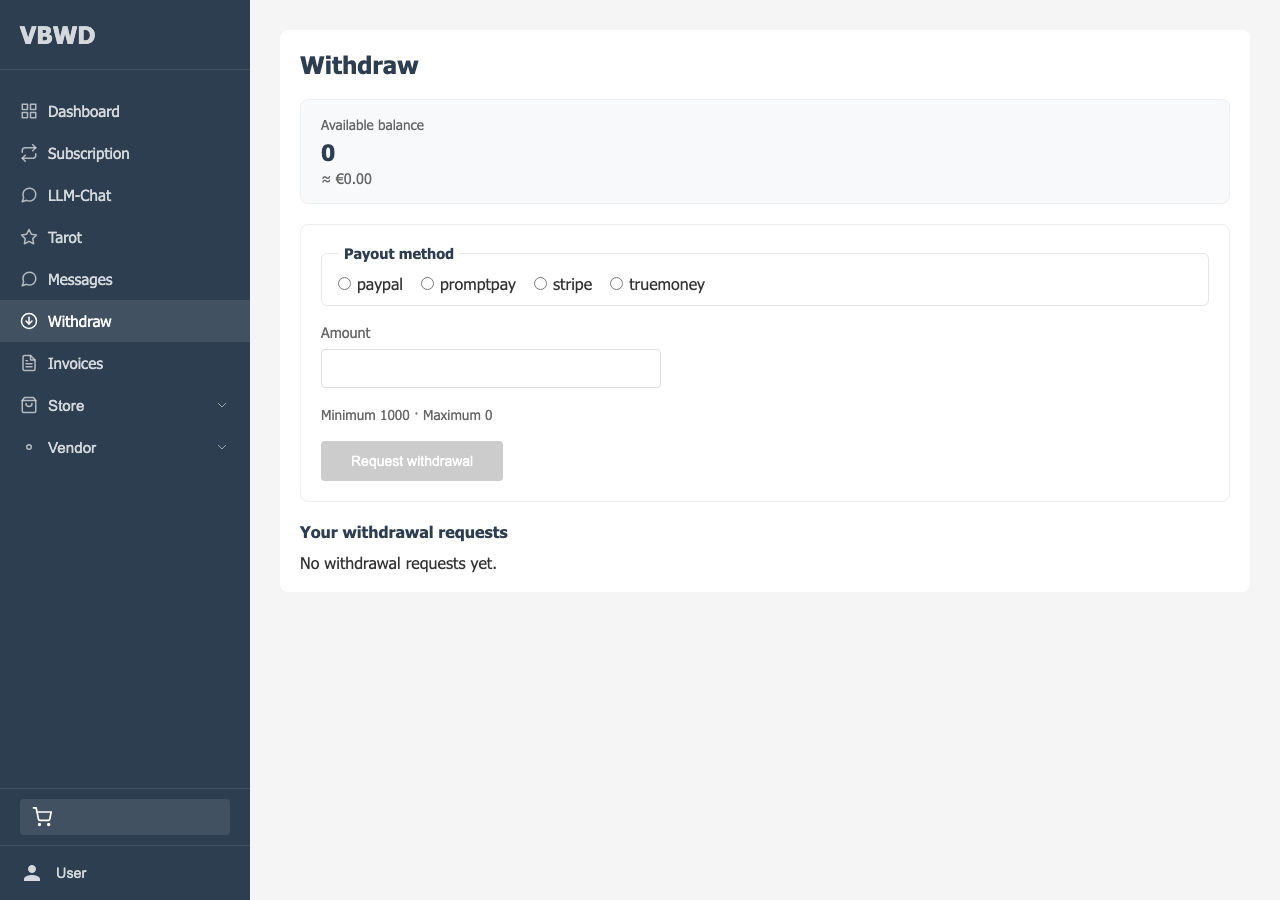
Withdrawing accrued earnings uses the existing withdraw flow against the vendor_earnings balance source — the fe-user marketplace plugin surfaces the balance; the payout itself runs through the shared withdraw UI.
How the money reaches these screens
Everything shown here is credited by the backend plugin from paid invoices, and moderated by the fe-admin plugin. See the overview for the whole flow.