Marketplace
Turn your VBWD install into a multi-vendor marketplace — vendors, commission-adjusted earnings and real-money payouts across every vertical.
What the marketplace turns VBWD into
The marketplace bundle turns a single-tenant VBWD install into a multi-vendor platform. Any registered user can apply to become a vendor, list sellable assets across the verticals you already run — shop products, subscription plans, ghrm software packages and booking resources — and get paid automatically on every sale, minus a platform commission you control. Vendors cash their earnings out to real money through the existing payout rail.
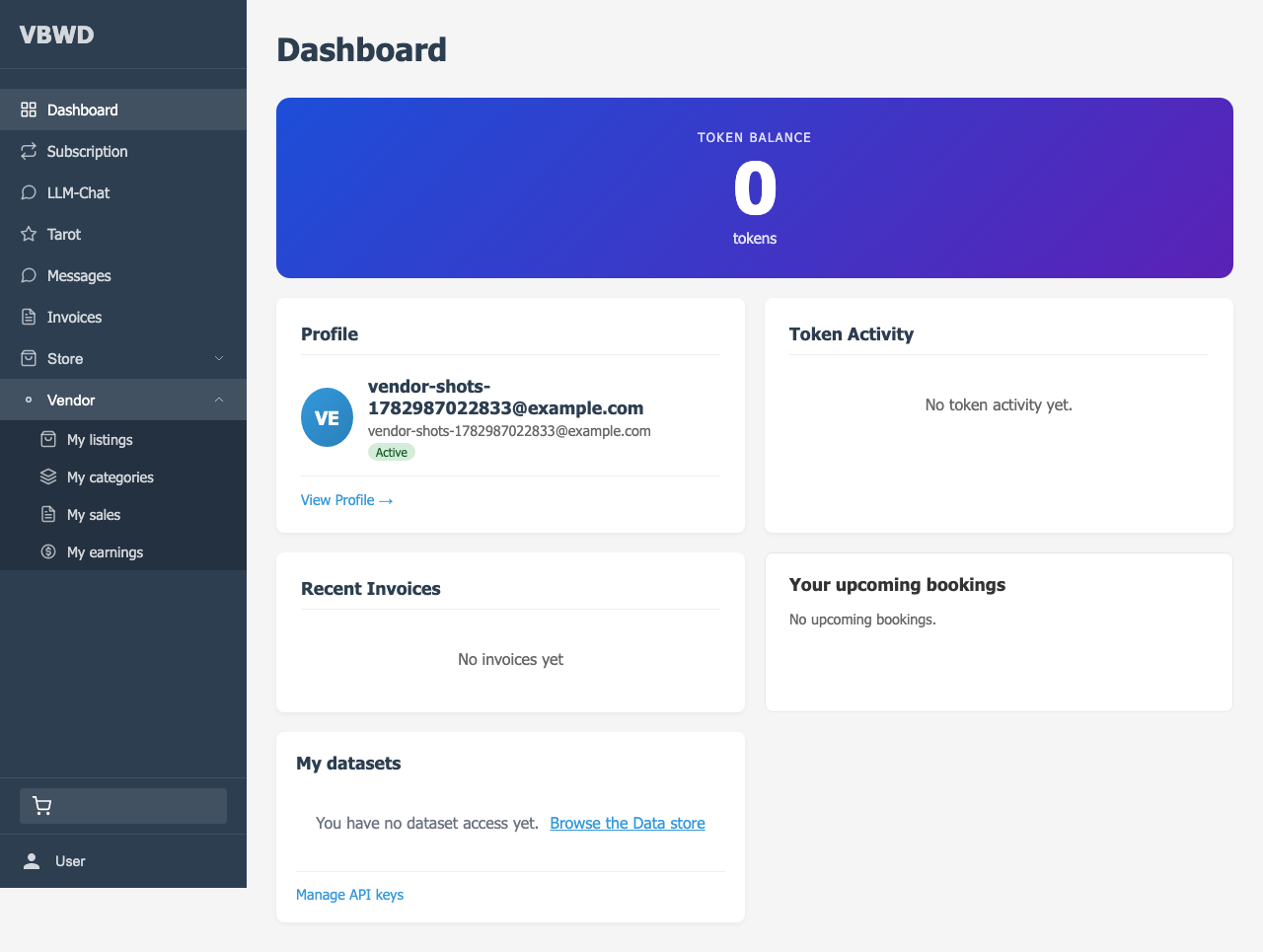
What a vendor gets
- Become a vendor in one form — no separate account, no re-registration.
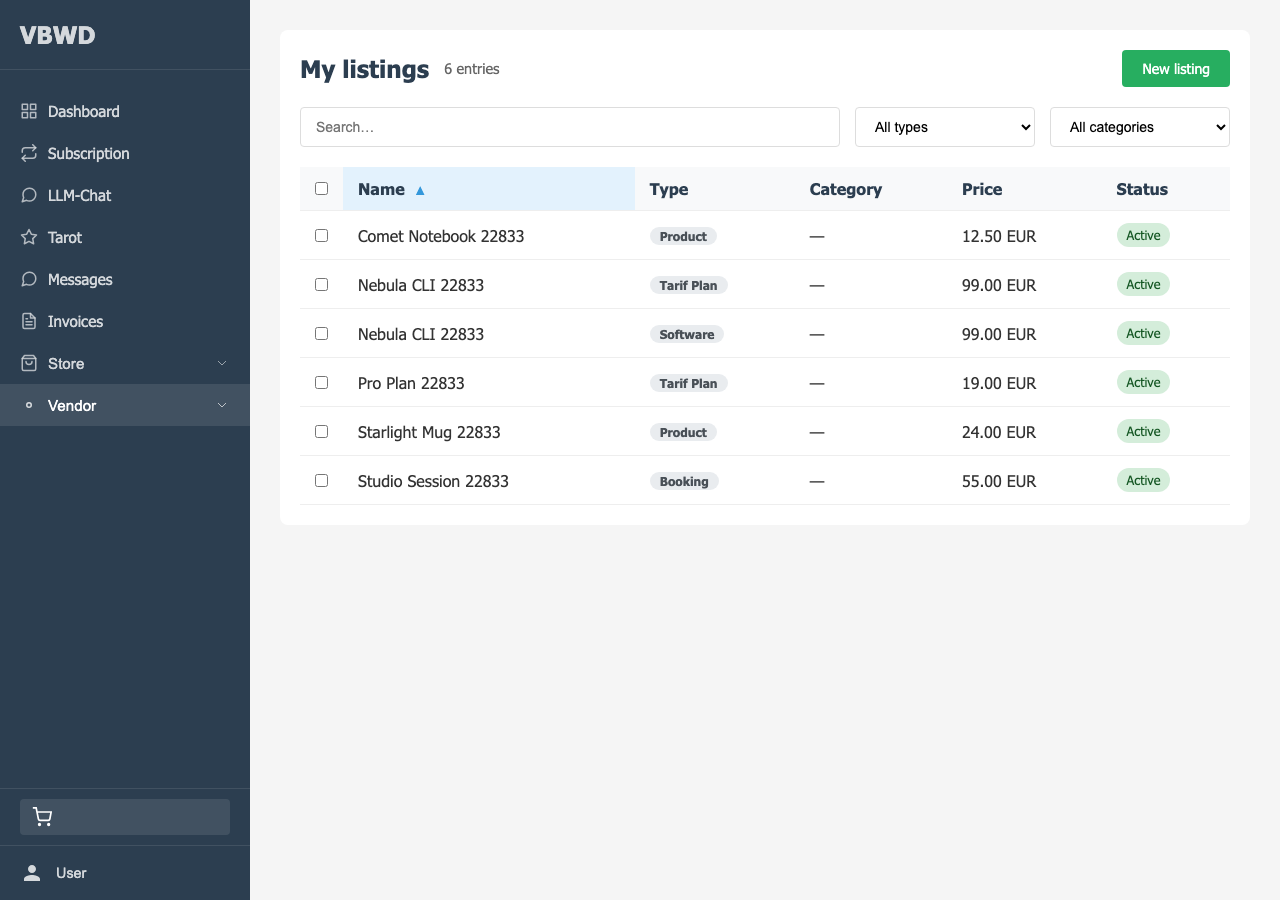
- List across every vertical the platform enables for vendors, from one “Create listing” flow.
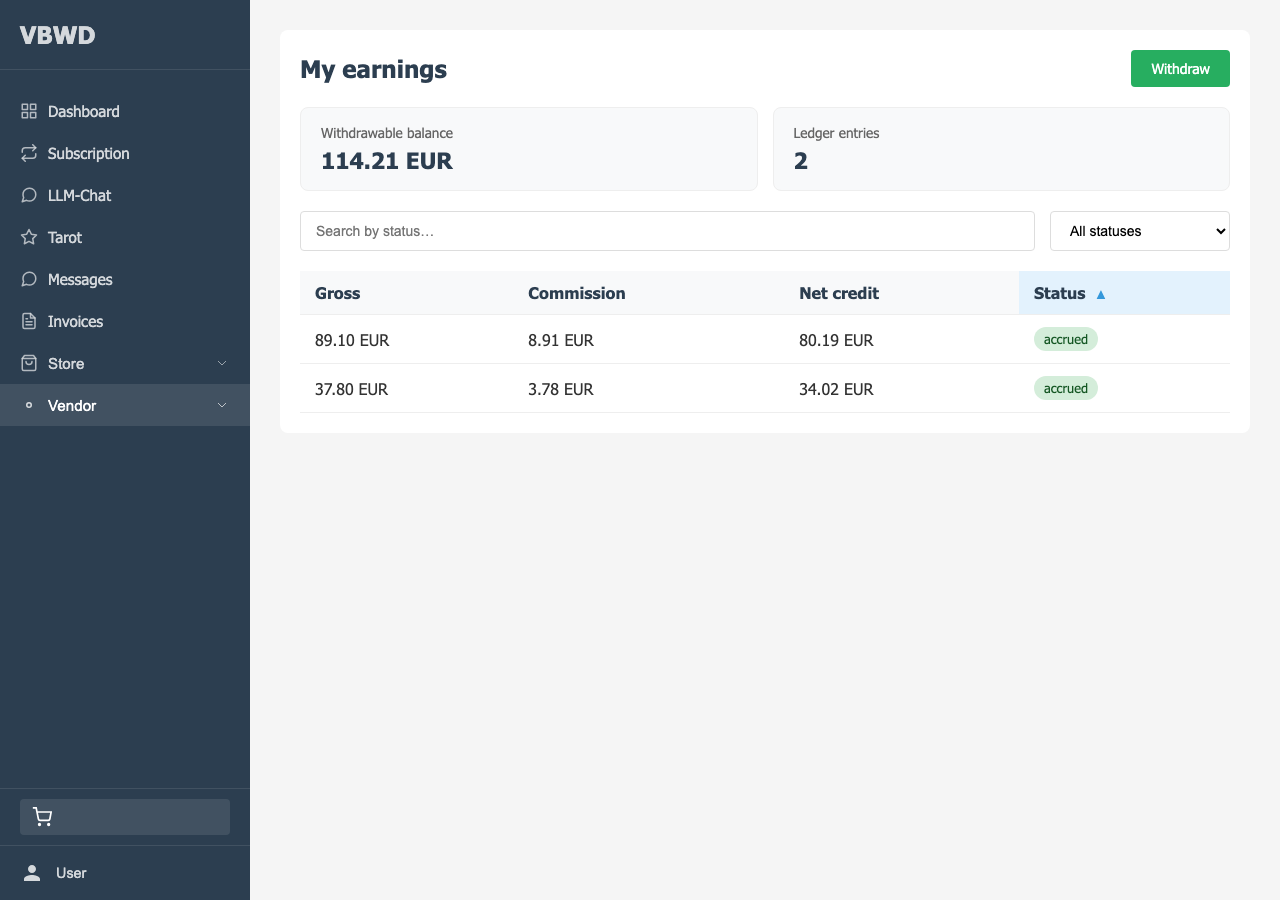
- Automatic earnings — every paid sale credits a commission-adjusted amount to the vendor\'s ledger, with the commission snapshotted at the moment of sale.
- My sales & My earnings dashboards — a per-invoice sales view and a running withdrawable balance, showing only the vendor\'s own data.
- Cash out accrued earnings to real money through the normal withdraw flow — no new payout UI to learn.
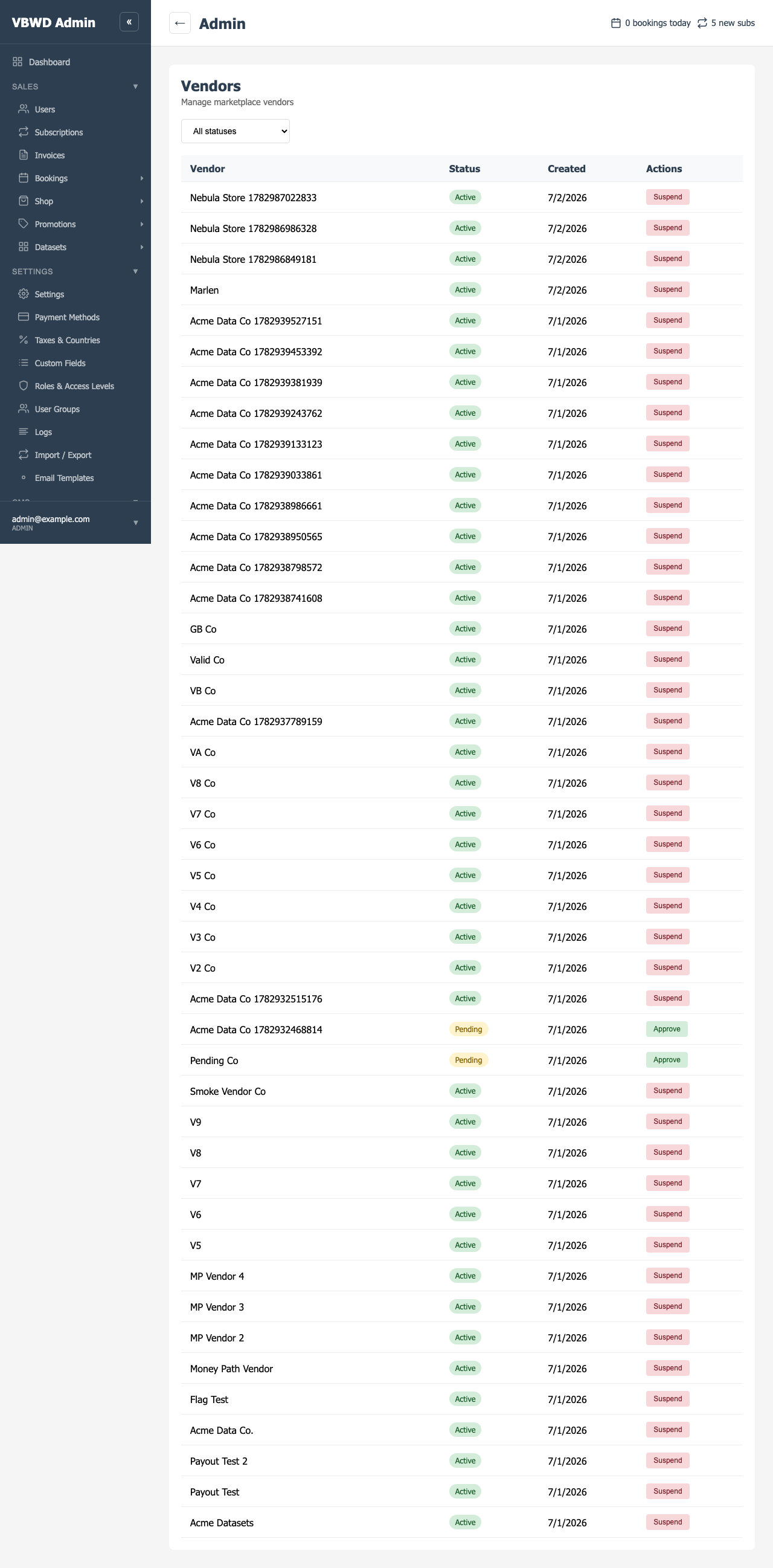
What an operator gets
- Vendor moderation — approve or suspend vendor applications from a dedicated admin section.
- Commission control — a platform default rate plus an optional per-vendor override.
- Payout moderation — review, approve, reject or bulk-process withdraw requests before real money leaves.
- Auto-approve mode — flip a config flag and new vendors go live instantly.
How it stays decoupled
The marketplace is the central, agnostic vendor layer: it never imports a vertical plugin, and no vertical imports it. The two sides meet at a single documented data convention — a vertical stamps the buyer\'s invoice line with the selling vendor\'s user id, and the marketplace credits that vendor when the invoice is paid. That is what lets each vertical opt into “vendor-mode” independently, and what keeps the platform core-agnostic. The mechanics are in the backend plugin reference.
Three ways to run it
The same bundle powers very different products depending on which vertical you switch vendor-mode on for. Three worked examples:
A creator marketplace
Independent makers sell digital products — templates, presets, ebooks — on your storefront.
02A course & membership marketplace
Instructors sell subscription-based courses and memberships; you take a cut of every renewal.
03A services & bookings marketplace
Coaches and professionals sell bookable time; commission on every reservation.
The three plugin references
Backend plugin
Vendor identity, the earnings ledger, commission and payout wiring — and the seams verticals plug into.
fe-user plugin
The vendor\'s private area — become-a-vendor, listings, categories, sales and earnings.
fe-admin plugin
The Marketplace admin section — vendor management and withdraw-request moderation.