Frontend Plugin Development
Both Vue apps are extended by plugins. The user app uses a runtime plugin registry; the admin app injects into extension registries.
Shared component library
vbwd-fe-core is the shared Vue component library (exported as vbwd-view-component): generic UI, the plugin SDK, Pinia stores and TypeScript types. Both apps consume it via a git submodule and must build it first.
fe-user plugins
A user-app plugin is a named export implementing IPlugin:
import { IPlugin } from 'vbwd-view-component';

export const myPlugin: IPlugin = {
  name: 'my-plugin', version: '1.0.0',
  install(sdk) {
    sdk.addRoute({ path: '/my', name: 'My',
                   component: () => import('./My.vue') });
    sdk.createStore('myStore', { state: () => ({ n: 0 }) });
    sdk.addTranslations('en', { /* … */ });
  },
  activate() {}, deactivate() {},
};
The PluginRegistry installs and activates plugins listed (enabled) in the app's plugins.json. All fe-user plugins use named exports, not default exports.
fe-admin plugins
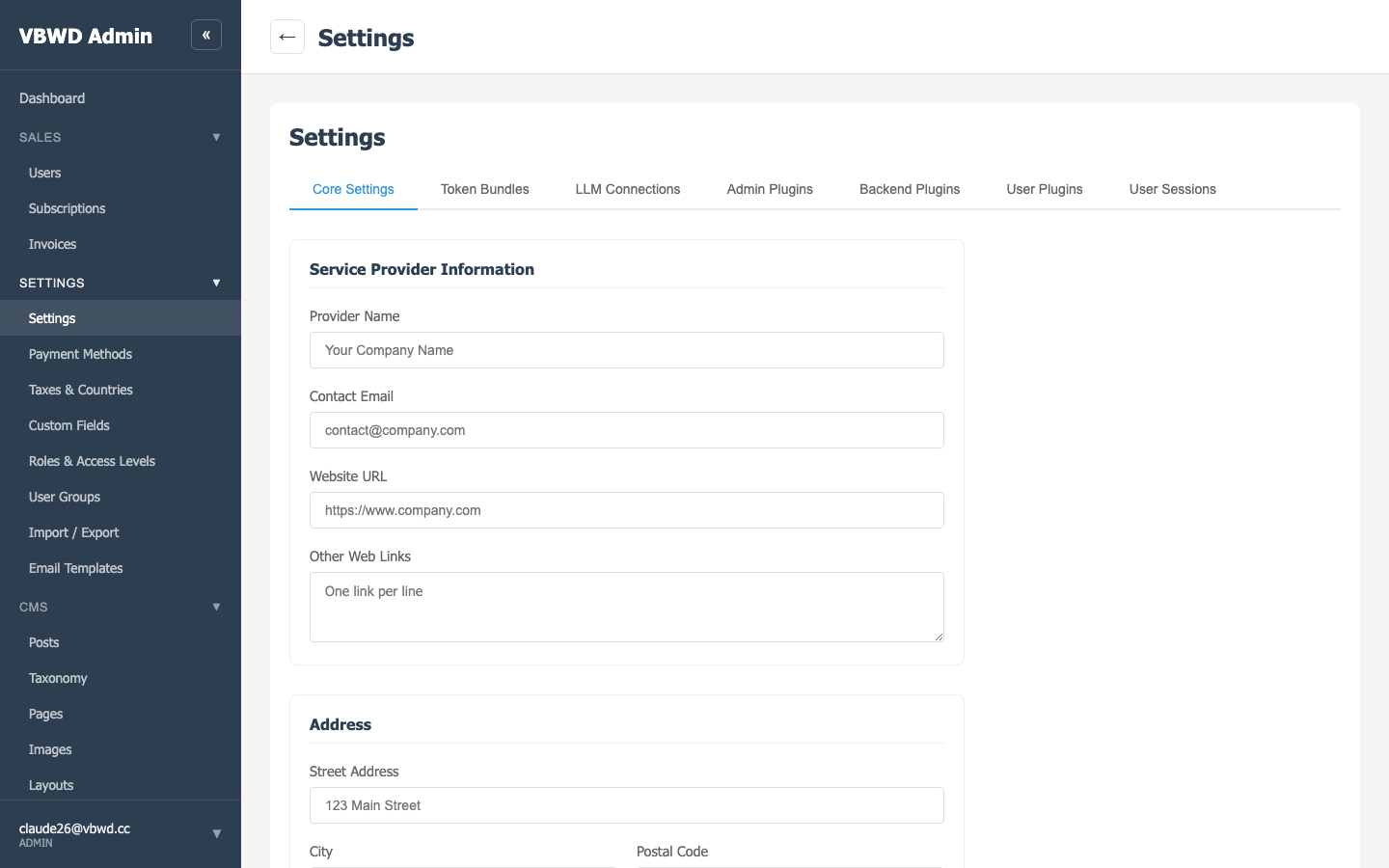
The admin app extends host pages through extension registries — e.g. userEditTabs, invoiceDetailSections, userSessionBlocks, the CMS widget-editor registry. A new fe-admin plugin must appear in three manifests: the repo plugins.json, vue/public/plugins.json, and var/plugins/fe-admin-plugins.json.
Plugin state is server-side
Enable/disable state for all three apps lives in one host directory (${VAR_DIR}/plugins/) that every container mounts. The backend is the only writer (via the admin frontend-plugins endpoints); the frontends mount the manifests read-only. No localStorage, no per-browser drift.